On-Page SEO Checklist for 2026: 15 Steps That Still Work
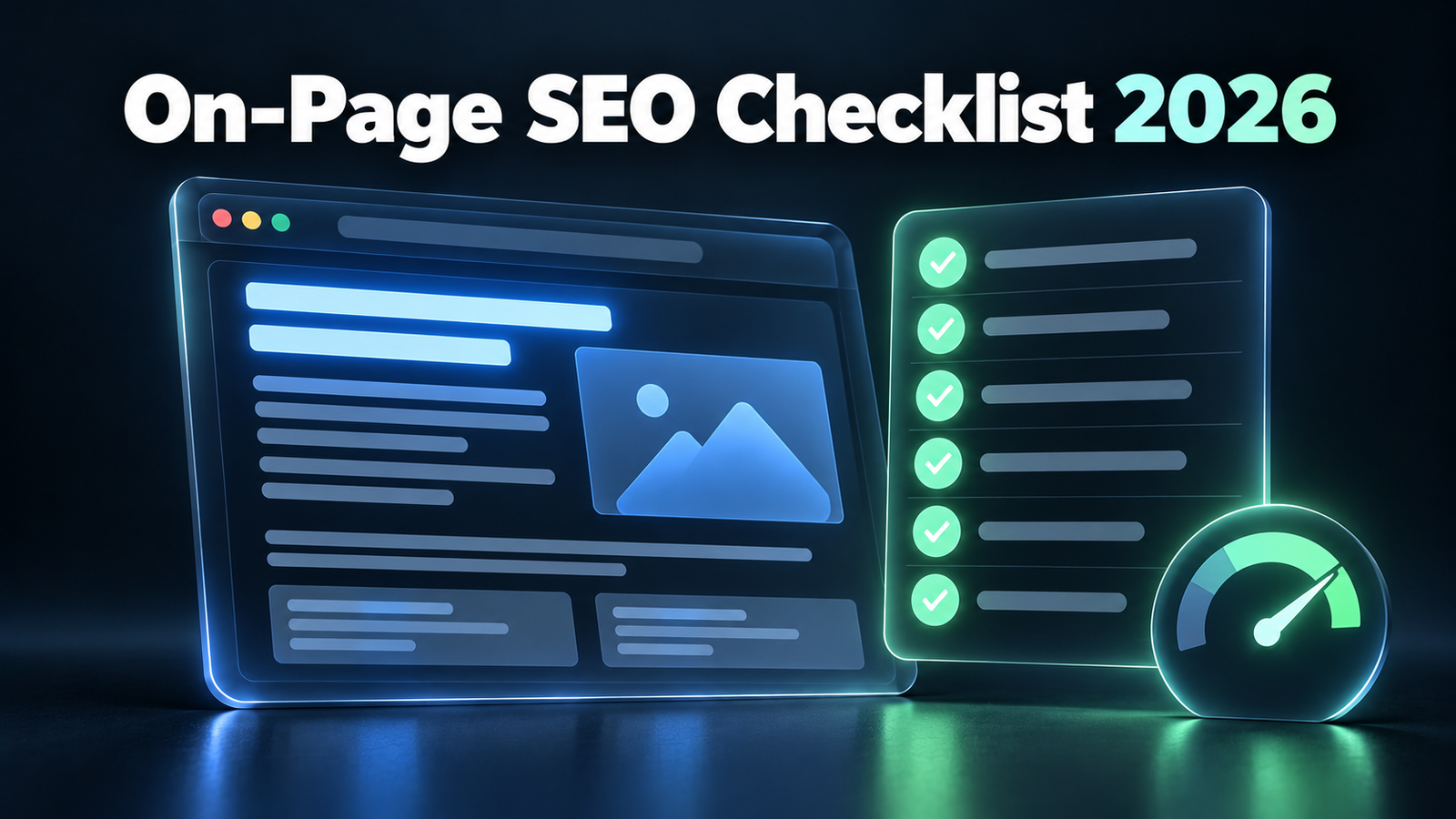
The short answer: This on-page SEO checklist covers the 15 things every page needs in 2026: match one search intent, place your keyword where it counts, write a clear title and meta description, use a clean URL and heading structure, answer the question first, cover the related questions, link internally and to credible sources, optimize images, show real expertise, add structured data, pass Core Web Vitals, and make sure the page can be crawled and indexed. Work through it before you publish, and again whenever you update a page.
On-page SEO is the part of SEO you fully control. You can’t force another site to link to you, but you can make every page as clear, useful and technically clean as possible. And in 2026 the same work also decides whether AI tools can understand and quote your page. (If you’re unsure how the two connect, see our breakdown of SEO vs GEO.)
Key Takeaways
- Intent comes first. A perfectly optimized page for the wrong intent won’t rank.
- Titles still matter, even though Google rewrites most of them. A clear, accurate title is the one Google is most likely to keep.
- Answer first, then expand. It helps featured snippets, AI Overviews and impatient readers all at once.
- Internal links are the most underused fix. New pages need links from your existing pages, not just to them.
- Speed has clear targets: LCP under 2.5 seconds, INP under 200 milliseconds, CLS under 0.1.
Part 1: Before You Write
1. Match One Search Intent
Every page should serve one clear intent: learning something, comparing options, buying, or finding a specific site. Search your main keyword and look at what ranks. If the top results are all how-to guides, write a how-to guide. If they’re product pages, a blog post won’t break in.
Check: does the format of your page match what’s already ranking on page one?
If you haven’t picked your keyword yet, start with our step-by-step keyword research guide.
2. Place Your Main Keyword Where It Counts
You don’t need to repeat your keyword ten times. You do need it in the places that tell Google what the page is about:
- the title tag
- the H1 heading
- the first 100 words
- the URL slug
- at least one subheading, where it reads naturally
After that, use natural variations and related terms. Search engines understand meaning, and keyword stuffing makes your page worse to read.
Check: is the main keyword in all five places, and does every use read naturally?
Part 2: The Elements Google Shows
3. Write a Clear, Accurate Title Tag
Your title tag is the blue headline in Google’s results. It’s one of the strongest on-page signals, and it decides whether people click.
Google often replaces titles with its own version. A 2025 study by SEO consultant John McAlpin found >Google changed title tags 76% of the time in the results he analyzed. That’s not a reason to skip titles. It’s a reason to write better ones. Google is most likely to keep a title that accurately describes the page.
- Keep it to roughly 30 to 60 characters, so it isn’t cut off.
- Put the main keyword near the start.
- Describe exactly what the page delivers. Don’t promise something the page doesn’t have.
- Make every title on your site unique.
Google’s guide on >influencing your title links covers what triggers a rewrite.
Check: would a searcher know exactly what they’ll get from the title alone?
4. Write a Meta Description Anyway
Meta descriptions don’t directly affect rankings, and Google rewrites them often. A 2020 >Ahrefs study of 20,000 keywords found Google rewrote about 63% of them. Write one anyway. When Google does use yours, it’s your sales pitch in the results.
- Aim for about 150 to 160 characters.
- Summarize what the page gives the reader and why it’s worth the click.
- Include the main keyword. Google bolds the words that match the search.
Check: does the description give a real reason to click this result over the others?
5. Use a Short, Clean URL
Good URLs are short, readable and describe the topic:
- Good:
/blog/on-page-seo-checklist/ - Bad:
/blog/2026/10/27/the-ultimate-complete-on-page-seo-checklist-for-beginners-v2/
Use lowercase words separated by hyphens, and drop filler words and dates. Once a page is published and indexed, don’t change its URL without setting up a redirect.
Check: could someone guess the page topic from the URL alone?
Part 3: The Content Itself
6. Use One H1 and a Logical Heading Structure
Use one H1 for the page title. Then use H2s for main sections and H3s for points within them. Headings should read like a table of contents: someone skimming them should understand the whole page.
Phrase headings the way people search, especially as questions. “How Long Does SEO Take?” works better than “Timeline Considerations.”
Check: do the headings alone tell the full story of the page?
7. Answer the Main Question First
Give the direct answer in the first paragraph, then explain. Readers who want the quick answer get it, and the rest keep reading for detail.
This one change helps in three places at once: featured snippets, Google AI Overviews and AI tools like ChatGPT, which all look for a clear, quotable answer. We explain why in How to Get Cited in Google AI Overviews.
Check: could someone stop reading after the first paragraph and still have their answer?
8. Cover the Related Questions
A page that ranks well usually answers the main question and the follow-up questions people have next. Find them in Google’s “People also ask” box, the “Related searches” at the bottom of the results, and the subheadings of top-ranking pages.
Answer each relevant question in its own section, with the answer in the first sentence. This also helps you show up for the many related searches no keyword tool lists.
Check: does the page answer what a reader would ask next?
9. Add Internal Links (Both Directions)
Internal links help Google find your pages, understand how they relate, and pass authority between them. They’re the most underused fix in on-page SEO.
- Link out: from the new page to 2 to 5 related pages on your site.
- Link in: add links to the new page from 2 or 3 of your existing related pages. A new page with no links pointing to it is hard for Google to find and looks unimportant.
- Use descriptive anchor text: “our keyword research guide,” not “click here.”
Check: does at least one existing page link to this new page?
10. Link to Credible Sources
When you state a fact or statistic, link to where it came from: the original study, official documentation or a recognized expert. It shows readers your claims are real, and research on AI search found that citing sources is one of the strongest ways to get cited by AI tools too. Our beginner’s guide to GEO covers that research.
Link to the original source, not to another blog that summarized it.
Check: does every statistic on the page link to its original source?
11. Optimize Your Images
- Compress them and use modern formats like WebP, so they don’t slow the page down.
- Write descriptive alt text that explains what the image shows. Include the keyword only where it fits naturally.
- Use descriptive file names:
on-page-seo-checklist.png, notIMG_4821.png. - Set width and height, so the page doesn’t jump around while images load.
Check: does every image have alt text, and is each one under about 200 KB?
12. Show Real Experience and Expertise
Google’s quality guidelines reward experience, expertise, authoritativeness and trust, often called E-E-A-T. On the page, that means:
- a clear author name with a short bio
- first-hand detail: your own tests, screenshots, results or examples
- a visible publish date, plus an “updated” date when you revise it
- accurate facts, corrected quickly when something changes
Generic content that anyone could write is easy to replace. Content built on real experience isn’t. Using AI to draft? Here’s what the data says about AI content ranking on Google.
Check: does the page include something only you could have written?
Part 4: Technical Checks
These are the page-level checks. For a full site-wide audit, use our technical SEO audit checklist.
13. Add Structured Data
Structured data (schema markup) tells search engines exactly what your page is. Most SEO plugins add the basics automatically. Check that you have:
- Article schema on blog posts, with the author and dates
- Breadcrumb schema, so your site structure is clear
- Product, Review or LocalBusiness schema where those apply
Test it with Google’s Rich Results Test. One note: Google says no special structured data is needed to appear in AI Overviews. Add schema because it helps regular search, not as an AI shortcut.
Check: does the Rich Results Test show your schema with no errors?
14. Pass Core Web Vitals
Core Web Vitals measure how fast and stable your page feels to real users. The >”good” thresholds are:
| Metric | What it measures | Good |
|---|---|---|
| LCP (Largest Contentful Paint) | How fast the main content loads | 2.5 seconds or less |
| INP (Interaction to Next Paint) | How fast the page responds to clicks and taps | 200 milliseconds or less |
| CLS (Cumulative Layout Shift) | How much the layout jumps while loading | 0.1 or less |
Check yours in Google Search Console under Core Web Vitals, or test a single page with PageSpeed Insights. The usual fixes are compressing images, using caching, and cutting heavy scripts and plugins.
Check: does the page pass all three on mobile?
15. Make Sure the Page Can Be Crawled and Indexed
None of the above matters if Google can’t index the page. Before and after publishing:
- Make sure there’s no
noindextag on the page. - Make sure robots.txt doesn’t block it.
- Make sure the canonical tag points to the page itself, unless it’s a deliberate duplicate.
- Check the page works well on mobile, because Google indexes the mobile version.
- After publishing, use URL Inspection in Search Console and click Request indexing.
Check: does URL Inspection say “URL is on Google” a few days after publishing?
The Quick Checklist
Copy this list and run through it for every page:
| # | Check | Done? |
|---|---|---|
| 1 | Page matches one search intent | ☐ |
| 2 | Keyword in title, H1, first 100 words, URL and one subheading | ☐ |
| 3 | Clear title tag, about 30 to 60 characters | ☐ |
| 4 | Meta description, about 150 to 160 characters | ☐ |
| 5 | Short, clean URL | ☐ |
| 6 | One H1 and logical H2/H3 structure | ☐ |
| 7 | Main question answered in the first paragraph | ☐ |
| 8 | Related questions covered in their own sections | ☐ |
| 9 | Internal links out, and at least one existing page linking in | ☐ |
| 10 | Every statistic linked to its original source | ☐ |
| 11 | Images compressed, with alt text and clear file names | ☐ |
| 12 | Author, date and first-hand experience shown | ☐ |
| 13 | Structured data tested with no errors | ☐ |
| 14 | Core Web Vitals pass on mobile | ☐ |
| 15 | Indexable, then indexing requested | ☐ |
FAQ
What is on-page SEO?
On-page SEO is everything you optimize on the page itself to help it rank: the content, title tag, meta description, headings, URL, internal links, images, structured data and page speed. It’s different from off-page SEO, which covers signals from other websites, like backlinks and mentions.
What is the most important on-page SEO factor?
Matching search intent with genuinely helpful content. A page that perfectly answers what the searcher wants can rank with average technical SEO, but no amount of technical polish saves a page built for the wrong intent.
How long should a page be for SEO?
As long as it takes to fully answer the question, and no longer. There’s no ideal word count. Check what’s ranking: if the top pages are short answers, a 4,000-word guide won’t help. Cover the topic completely, then stop.
Does Google still use meta descriptions?
Yes, but not always. Google rewrites a large share of them, often pulling text from the page instead. Write one for every important page anyway, because when Google uses it, it’s your best chance to earn the click.
How often should I update on-page SEO?
Review your most important pages every 3 to 6 months, and whenever facts change. Check Search Console for pages with high impressions but few clicks. They usually need a better title, a better meta description, or a clearer answer near the top.
The Bottom Line
On-page SEO isn’t a trick. It’s making each page the clearest, most useful and most technically sound answer to one search.
Run this checklist on every new page before you hit publish, and on your top pages every few months. Most of it takes minutes, and it’s the part of SEO that’s entirely in your hands.